 OnPlan
Eat on time.
Stay on plan.
OnPlan counts down to your next Fueling, reminds you when it is due, and logs it in one tap. Then it shows you how the weeks add up.
Built for people following the Trilivy™ program (formerly OPTAVIA®), and useful for any plan made of small, frequent meals. OnPlan is an independent app and is not affiliated with Medifast, Inc.
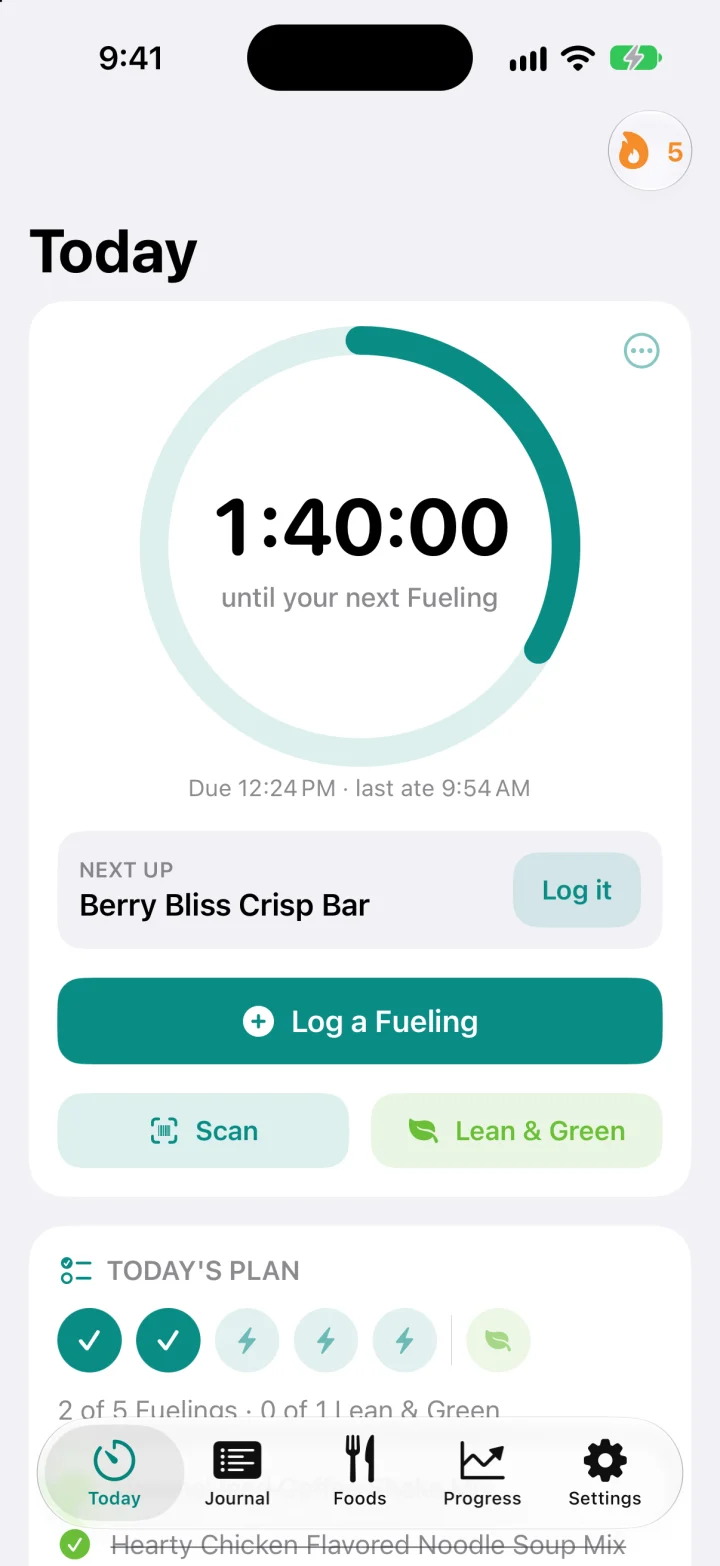
The clock
Always know when the next one is due.
Every time you eat, the clock starts again. You choose the gap, anywhere from 2 to 3 hours.
- Reminders that respect your day. One when it is time, a gentle follow-up if you have not logged, and never after bedtime.
- Skip one, or stop for today. Life happens. Move the clock on without losing your place.
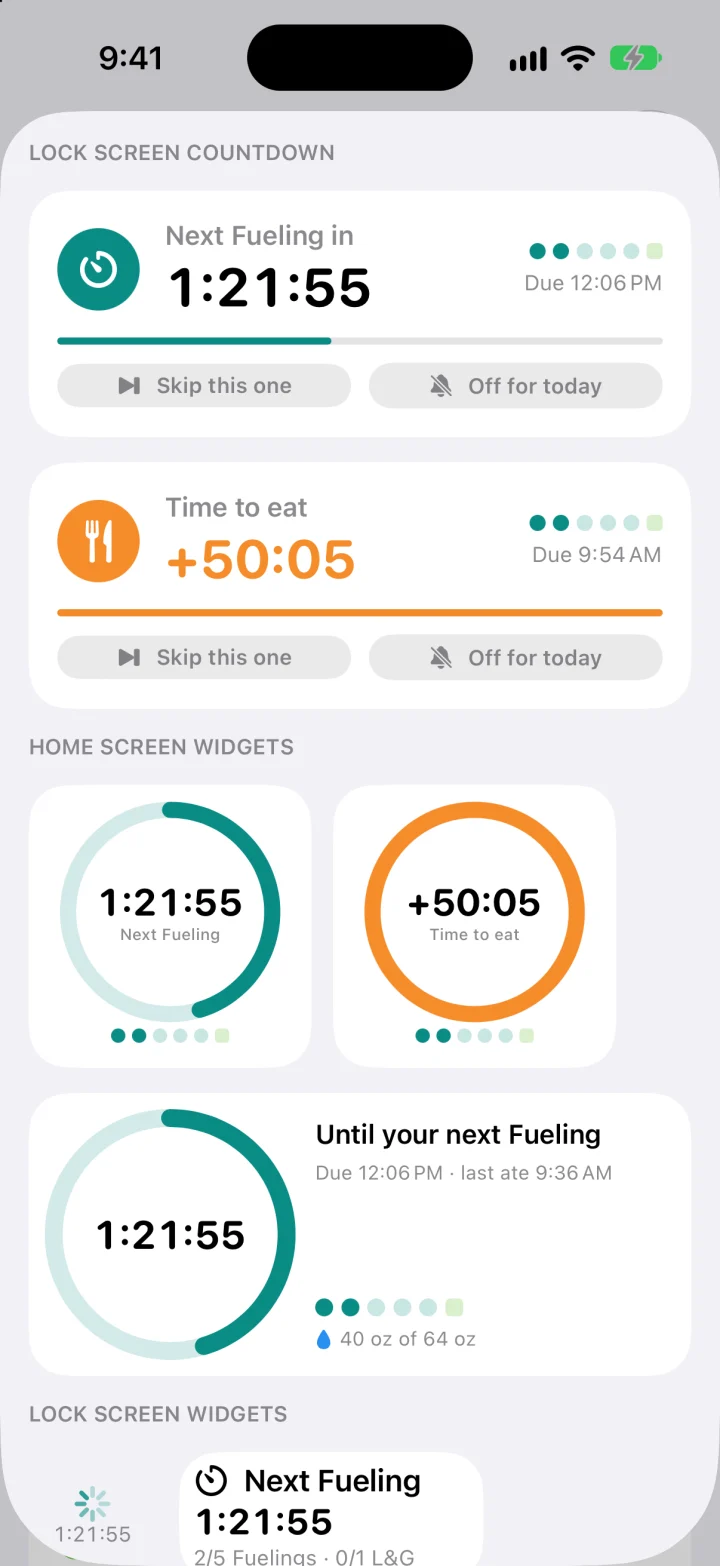
- See it without opening the app. The same countdown lives on your Lock Screen, in the Dynamic Island and in widgets.
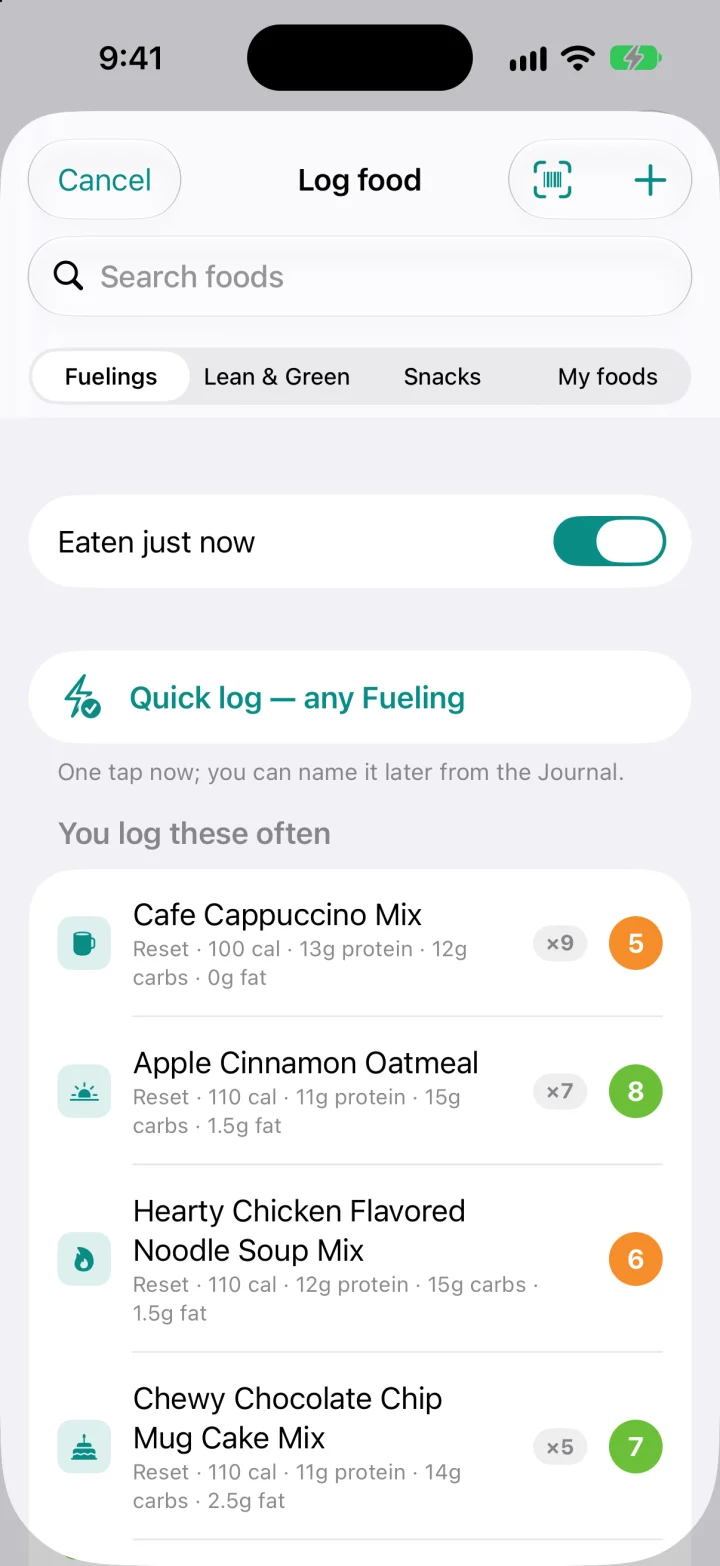
Logging
One tap, and it is logged.
The quickest log is a single tap. When you want detail, it is already there.
- The product list is built in, with label nutrition, so you log by name instead of typing numbers.
- Scan the barcode on a box or a single sachet. If OnPlan does not know it, tell it once and it remembers.
- A Lean & Green builder that follows the program guide's portions.
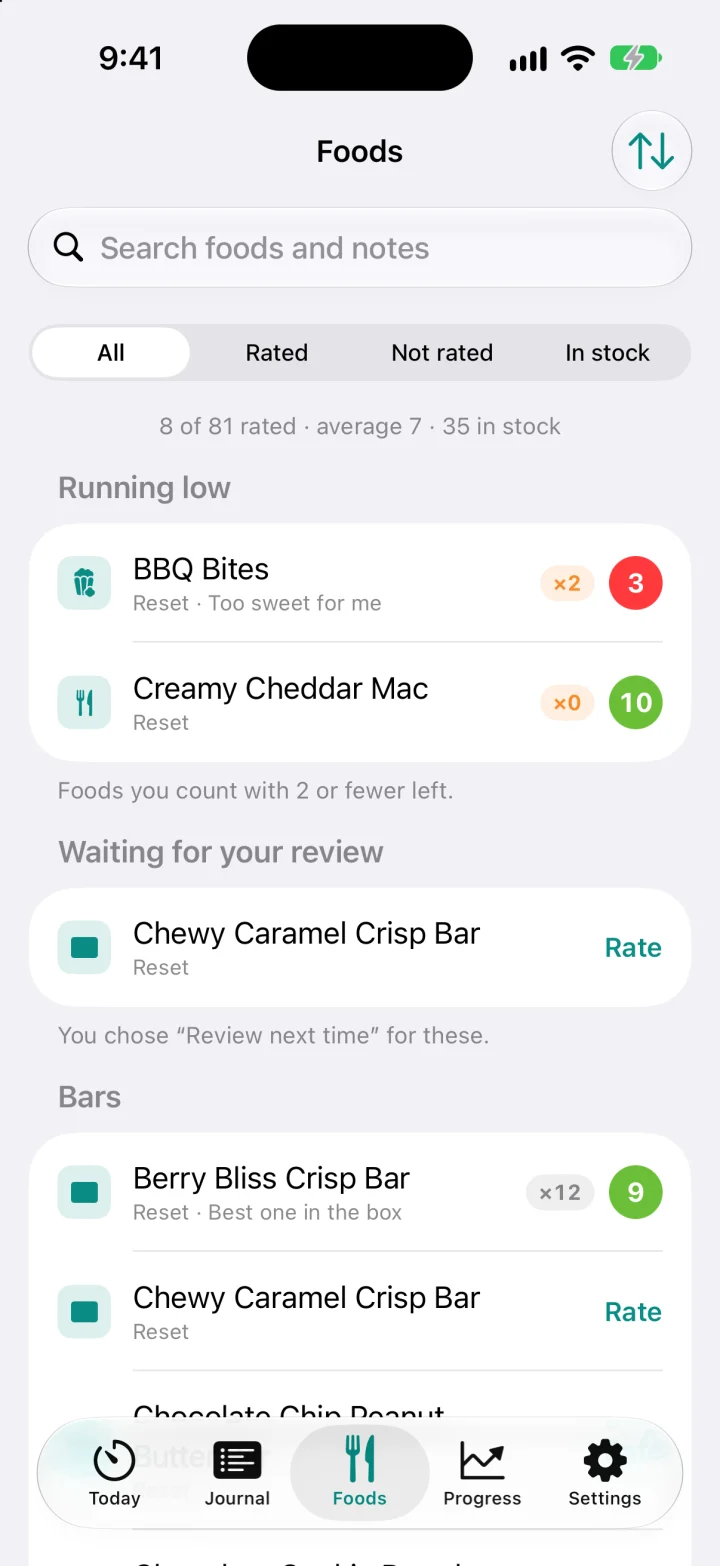
- Rate what you eat from 1 to 10, with a note, so you know what to reorder.
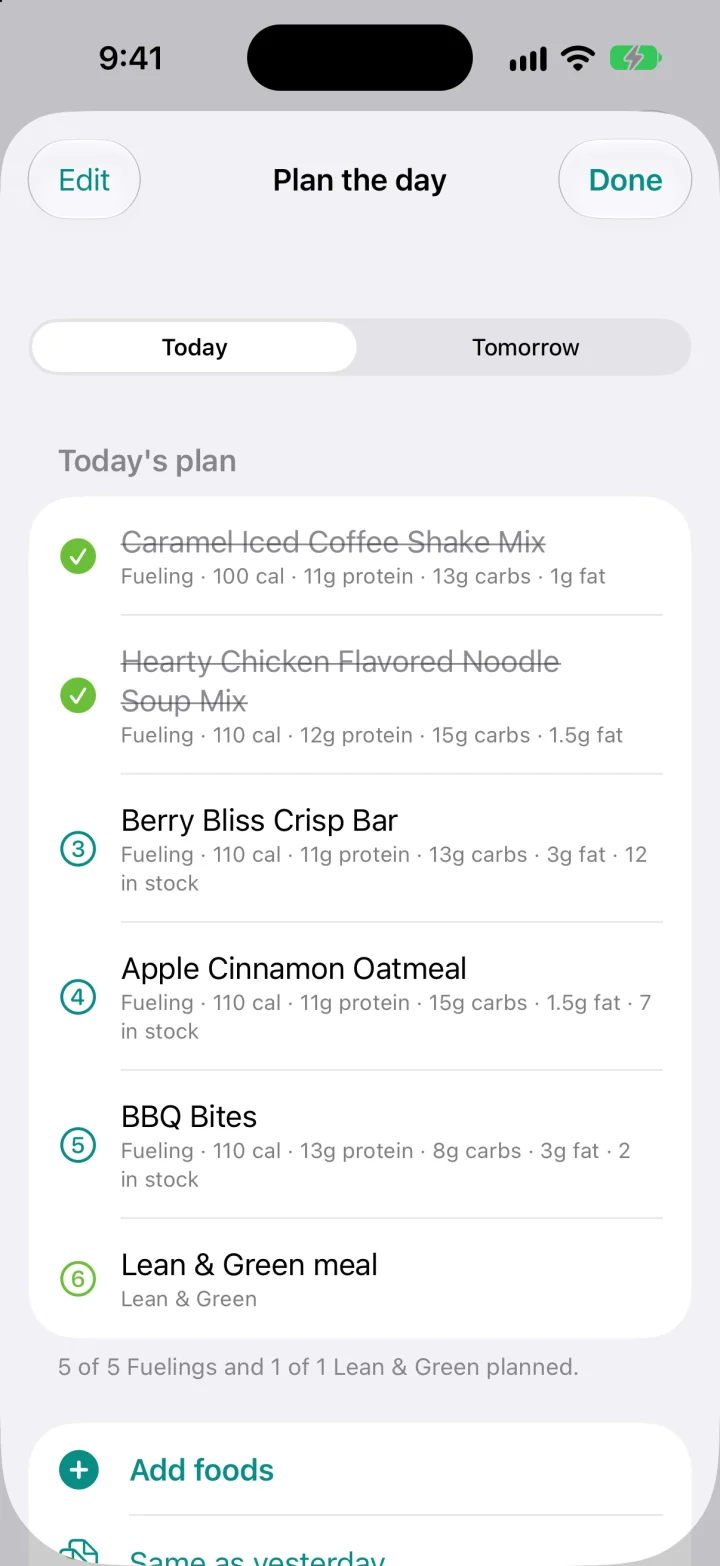
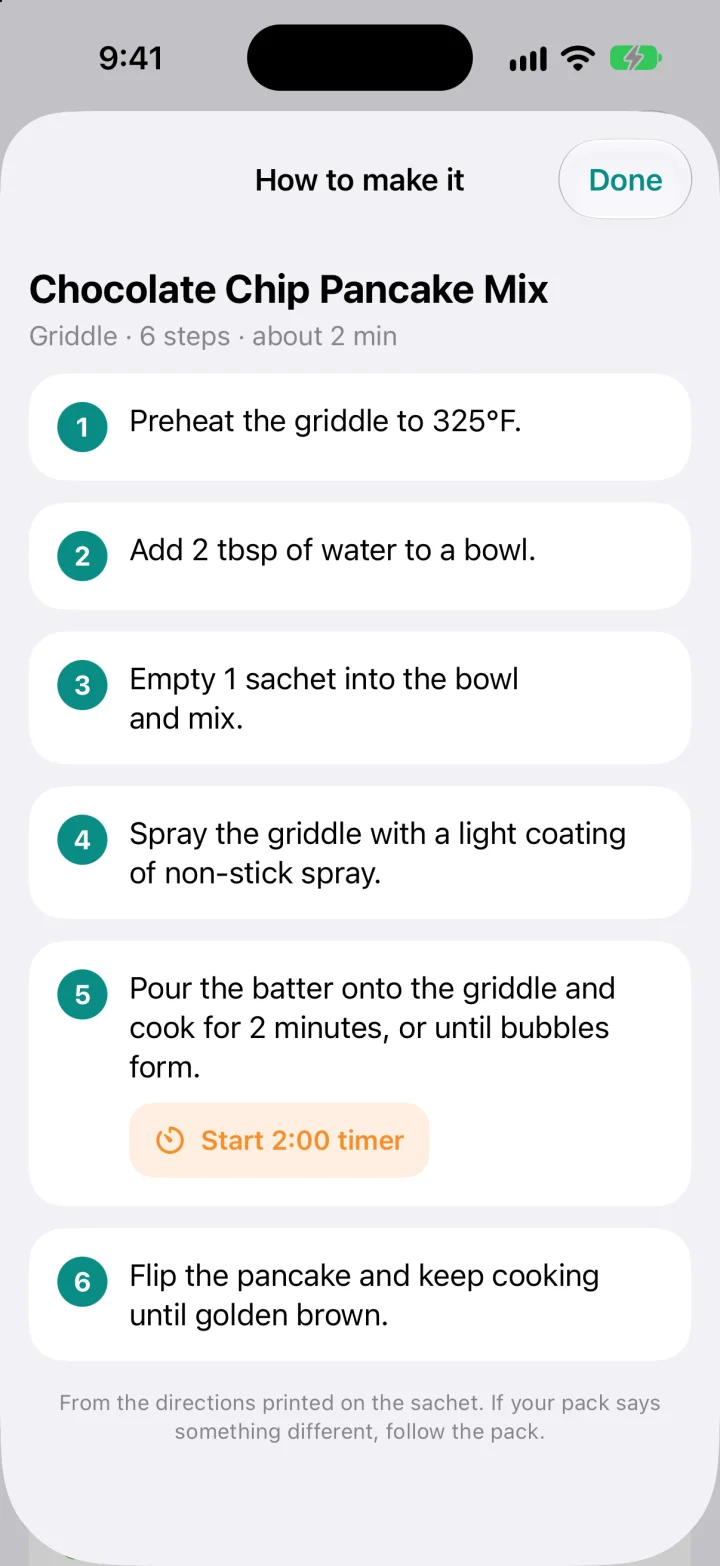
Plan and prepare
Plan the day, then just follow it.
Lay out today or tomorrow in the order you will eat. OnPlan shows what is next and reminds you by name.
- Directions from the sachet, step by step, with a timer on every timed step.
- Same as yesterday copies a day that worked.
- Optional stock count. Know how many of each you have left, and what is running low.
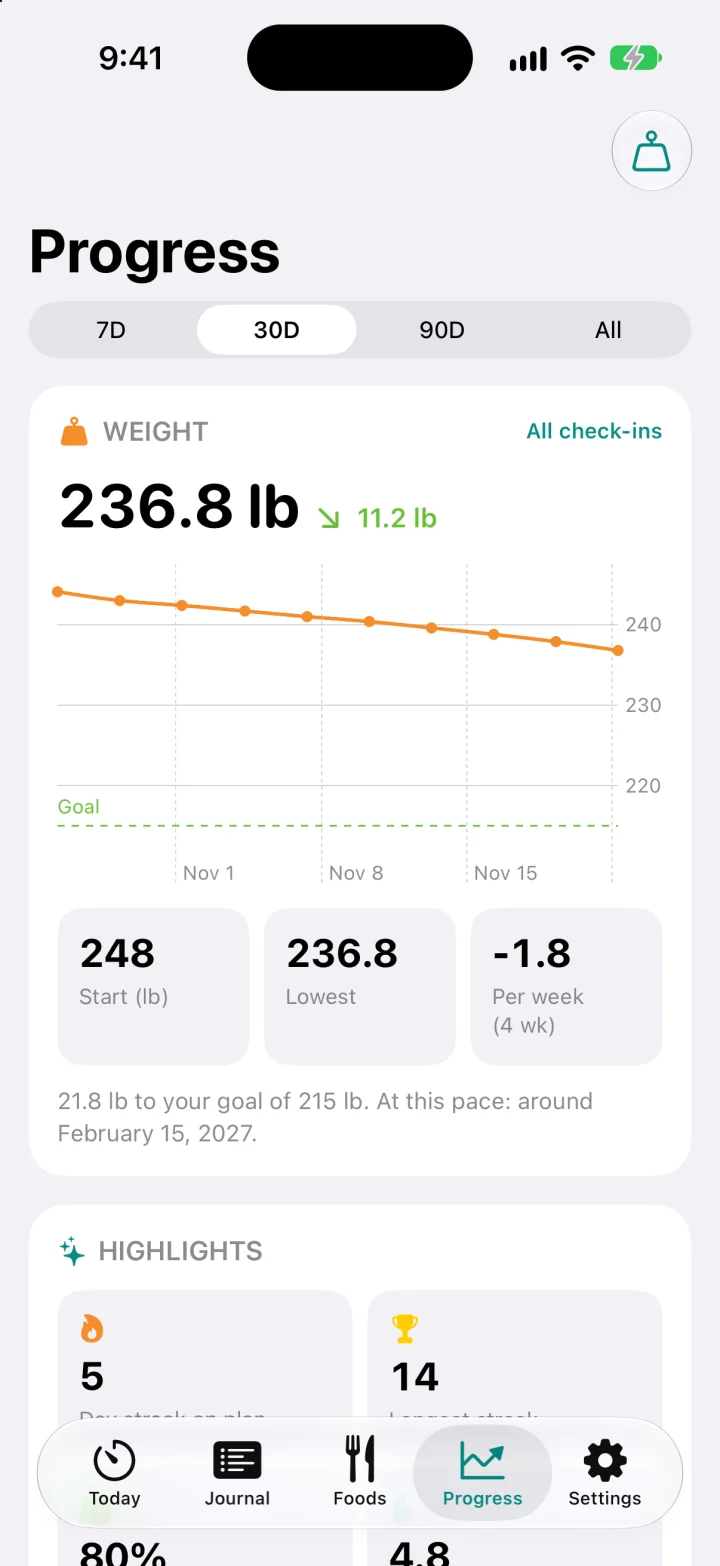
Progress
Watch the weeks add up.
A few seconds of logging a day turns into a picture you can trust.
- Weight trend with your goal line and a projected goal date.
- Streaks and days on plan, how well you kept to the 2–3 hour window, water, and when you tend to eat.
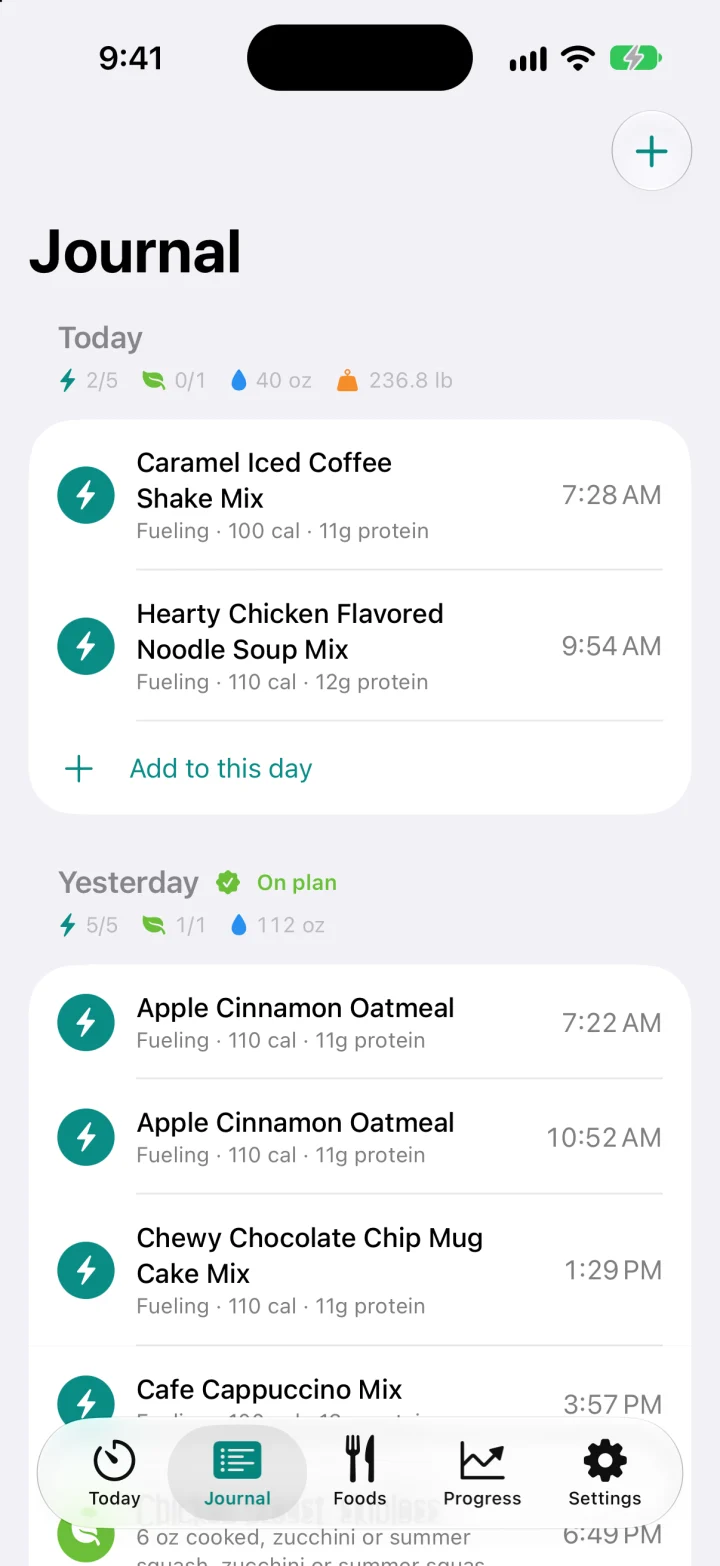
- A journal of every day, editable, and a CSV export of everything.
- Works with Apple Health if you turn it on: weight from a smart scale comes in, and what you log is saved there.
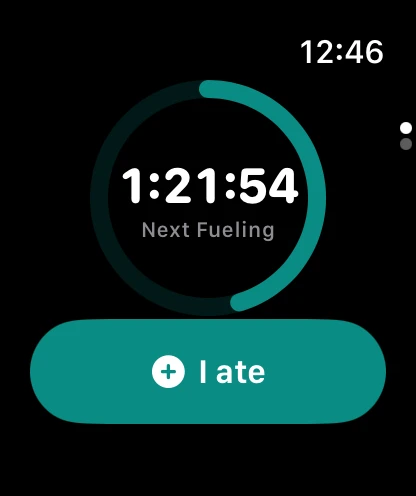
Apple Watch and widgets
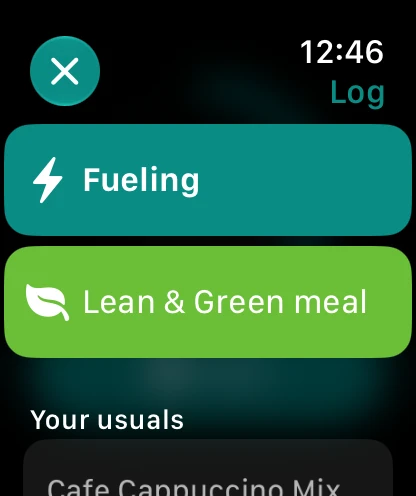
On your wrist. On your Lock Screen.
Check the clock, or log a Fueling or a glass of water, without taking out your phone.
Your data
Yours, and only yours.
No account
Nothing to sign up for. OnPlan has no server of its own, no ads and no tracking.
Backed up in your iCloud
Your food log, reviews and plan are kept in your own iCloud, so they follow you to a new iPhone. We cannot read them.
Weight stays on your iPhone
Weight and body measurements never leave your phone, unless you choose to save them to Apple Health.
A closer look
Every screen has one job.
Get back on plan.
OnPlan is on its way to the App Store, for iPhone and Apple Watch.